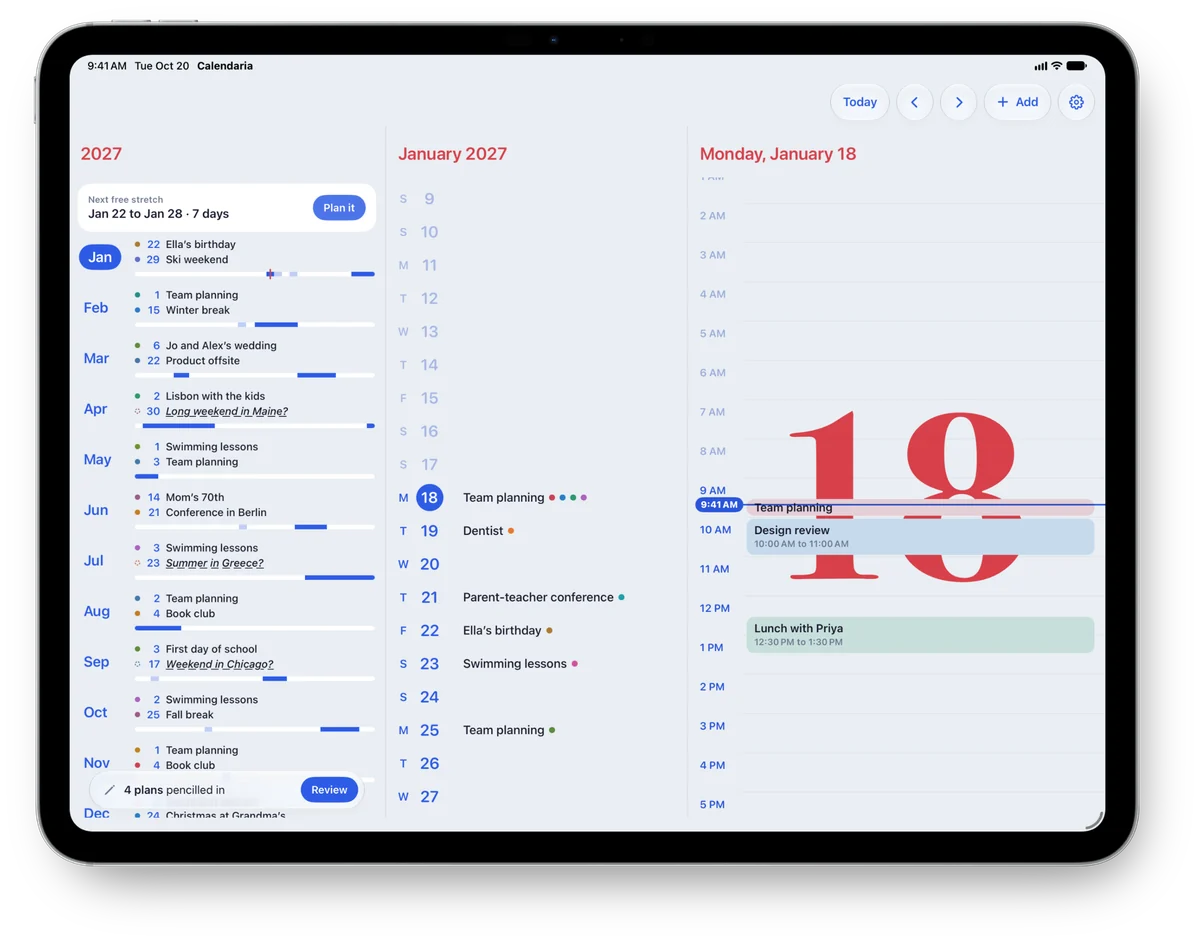
iPad
Your whole year, your days and your hours side by side on a bigger page.
A yearly planner and calendar for iPhone, iPad, iPhone Duo and Apple Watch
Birthdays, school breaks, the trip you keep meaning to plan. Your whole year in one list, from January to December.

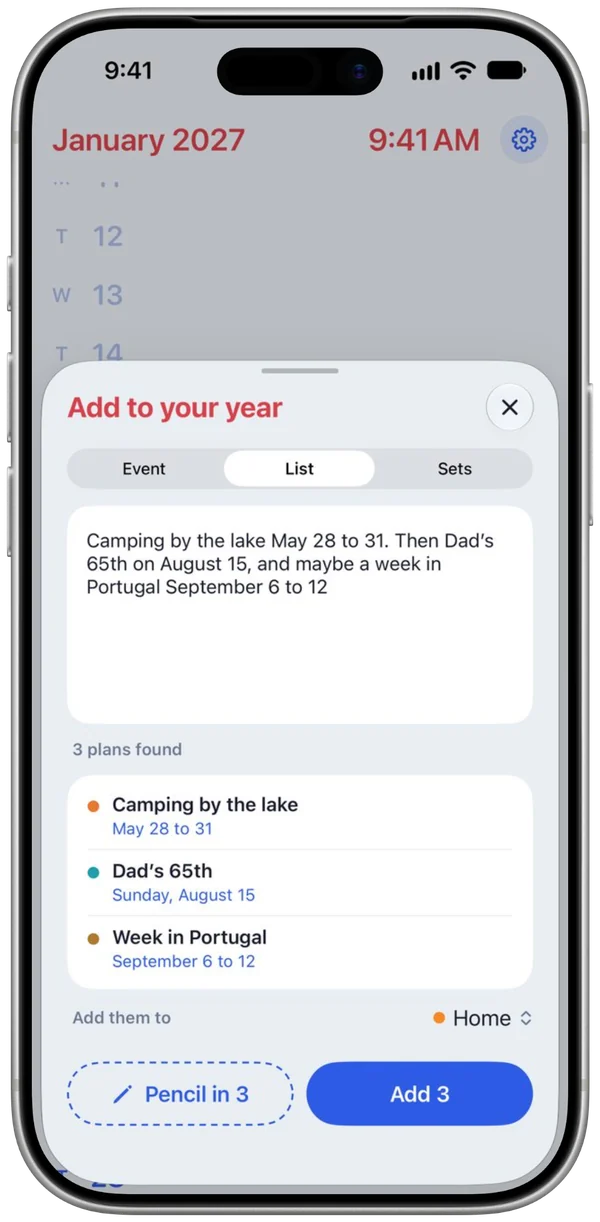
A whole paragraph becomes separate plans, with the dates worked out. Apple Intelligence reads it right on your iPhone, in all supported languages.
"Lisbon with the kids April 2 to 10, then pizza night every third Wednesday"
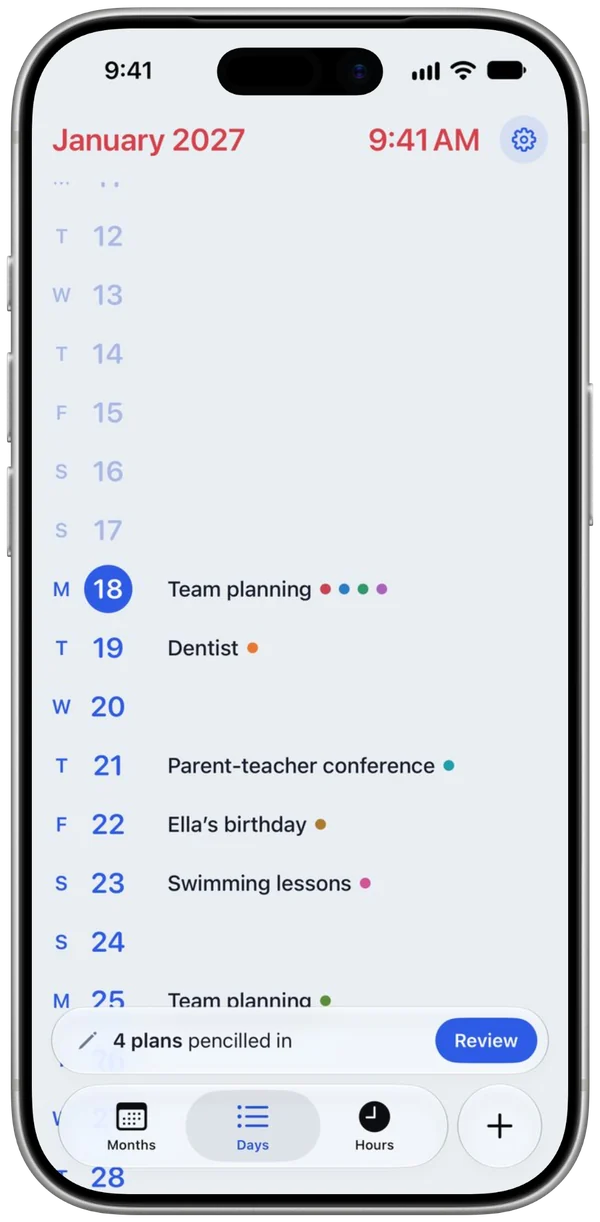
Scroll from a quiet Tuesday in March to the week you fly out in August.
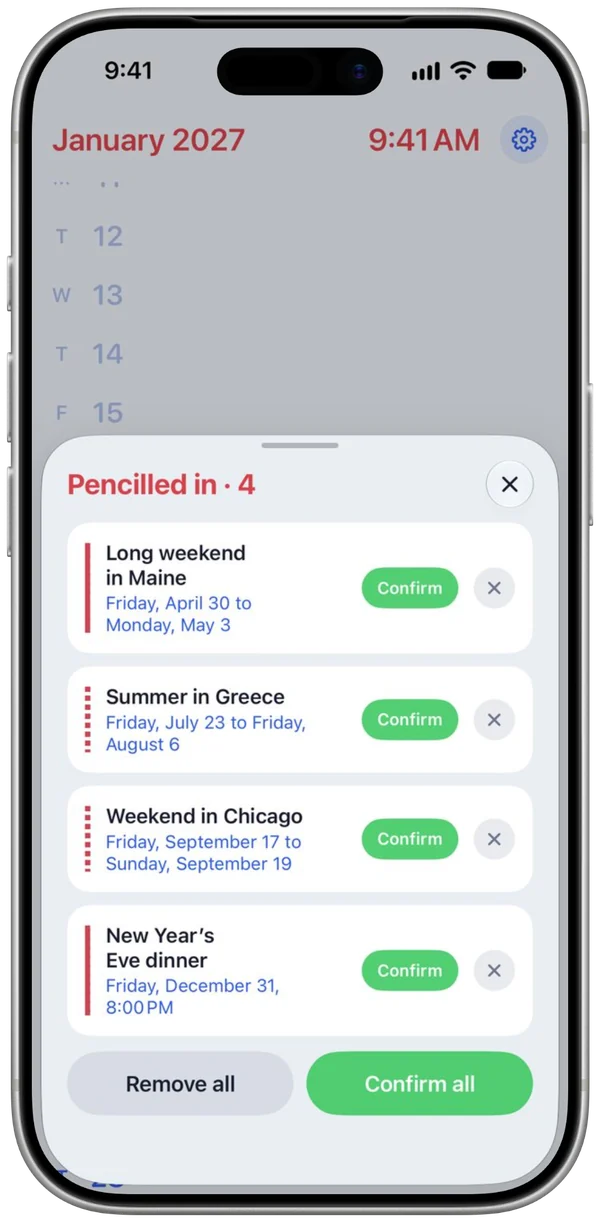
For the trip you keep talking about and the dinner nobody has confirmed.
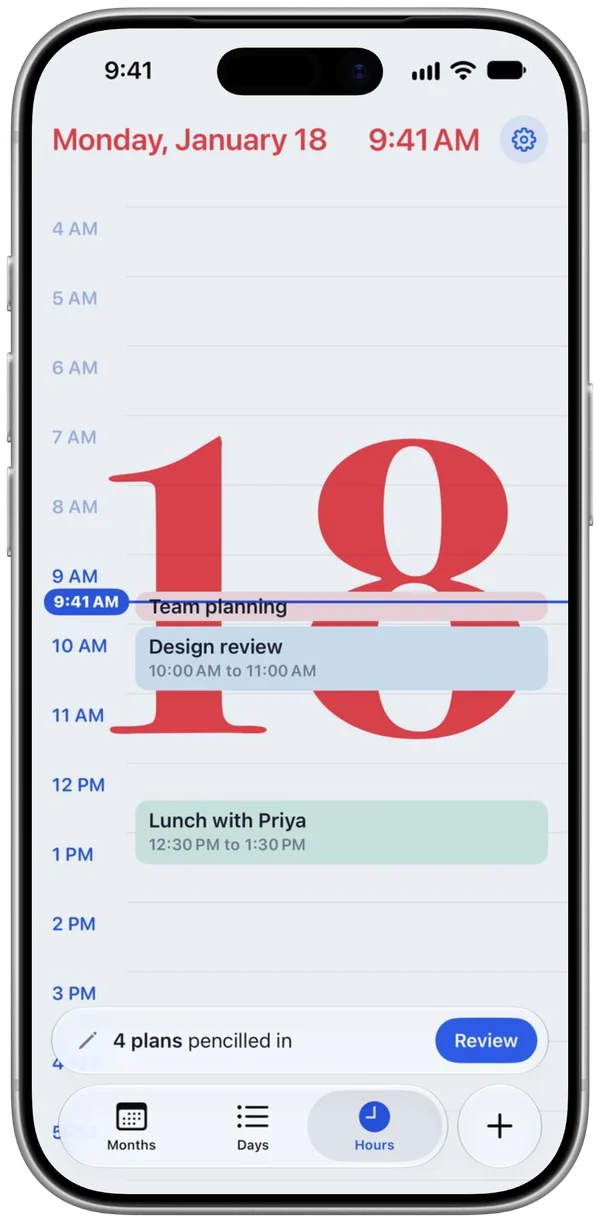
Open up Saturday and see the swim lesson, the long lunch and the free afternoon.
iPhone Duo
Ski season, home games, the family's year. Write your own words on the closed cover, pick its colors and stick on a few emoji. Today's plans are there whenever you pick it up.
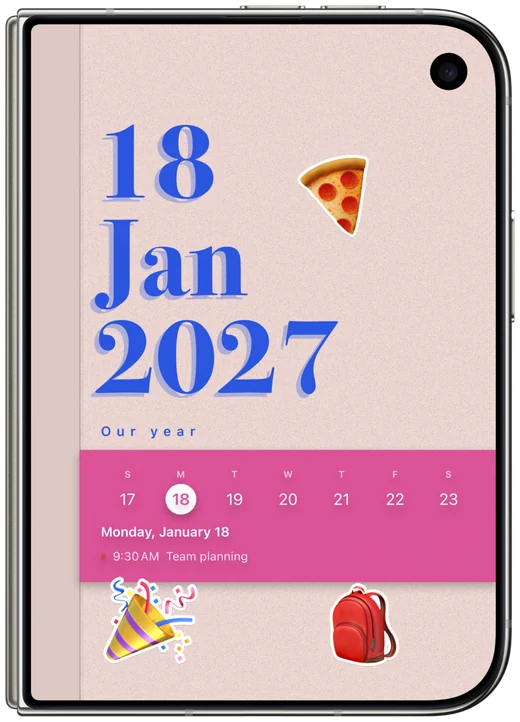
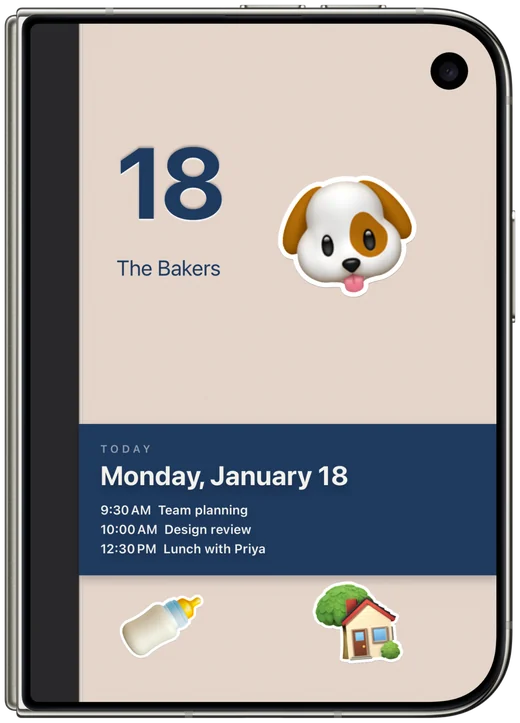
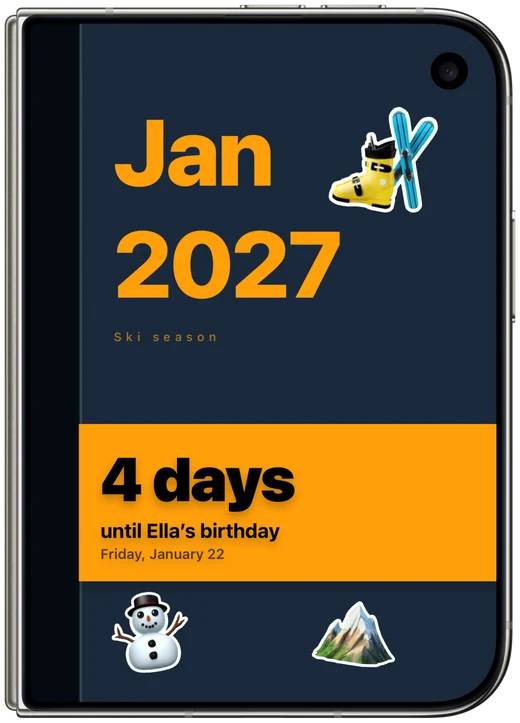
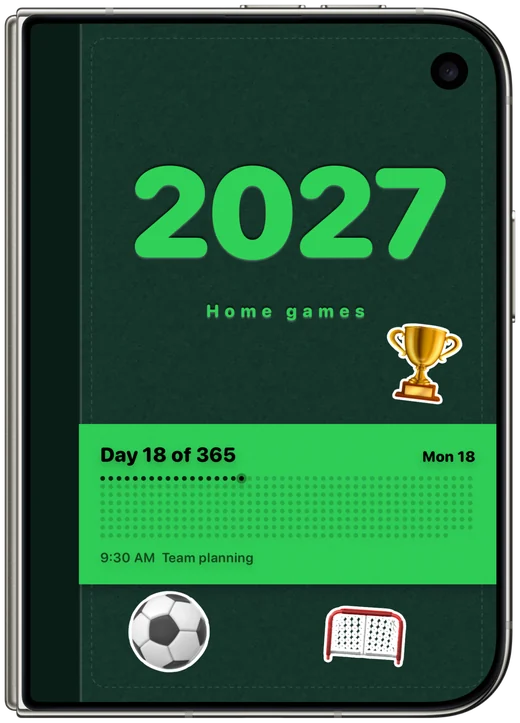
Your calendar should feel like yours.
Everywhere
Your whole year, your days and your hours side by side on a bigger page.
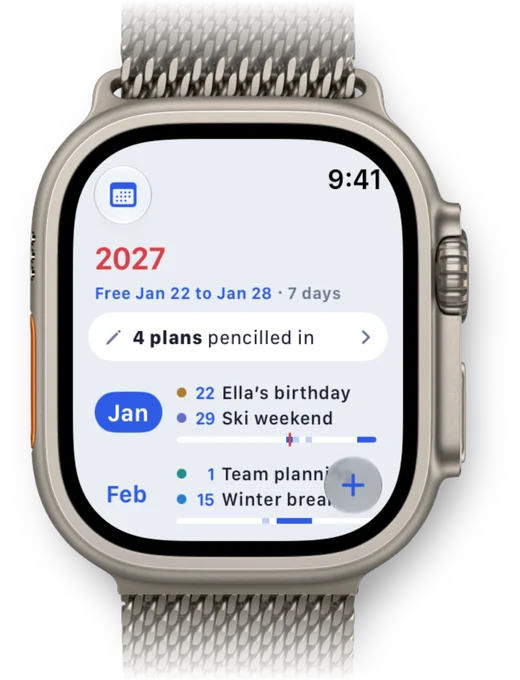
Your year on your wrist. Say a plan to add it, and confirm the ones you pencilled in.
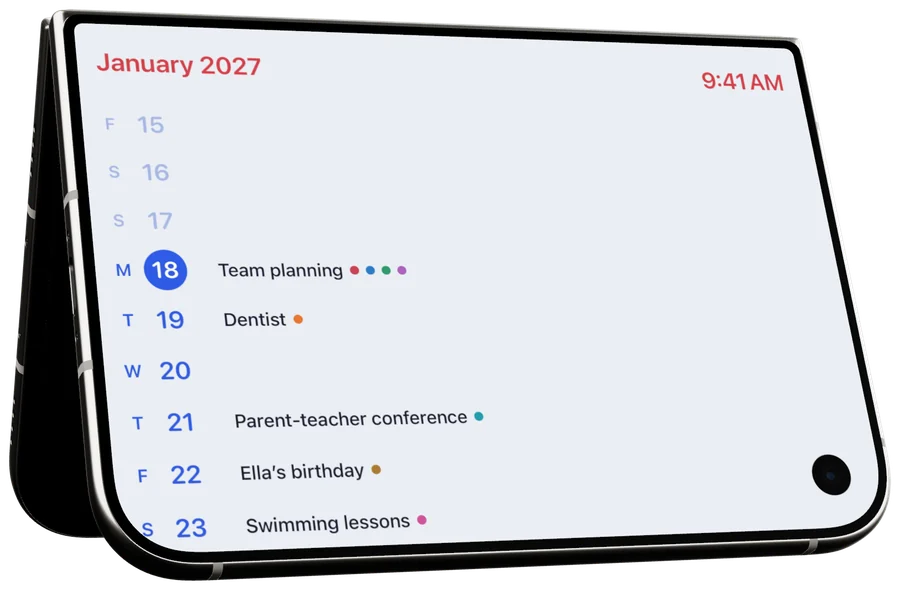
Stand your iPhone up, or your iPhone Duo as a tent, leave it for a moment, and your day is there, big enough to read from across the desk.
…gave me a reason to put it on my Home Screen.
Federico Viticci, MacStories
Your plans are nobody else's business. They stay on your iPhone, and so does the reading. No accounts, no tracking.